
How to Create a Wedding Details QR Code
One little square. Every detail your guests need.
Your RSVP, your registry, your wedding website, all just a scan away. A QR code keeps your invitation beautiful and uncluttered while giving guests everything they need to celebrate with you. Here's how to make one and make it look lovely.

What Your QR Code Can Do
Point the code wherever your guests need to go. It's simple for them and so much easier for you.
Collect RSVPs
Link to a form where guests confirm attendance, choose their dinner, and even request a song for the dance floor.
Share your registry
Send guests straight to your registry. No typing long links, and no confusion about where to shop.
Open your wedding website
Put the schedule, directions, hotels, and your love story in one place, and update it anytime.
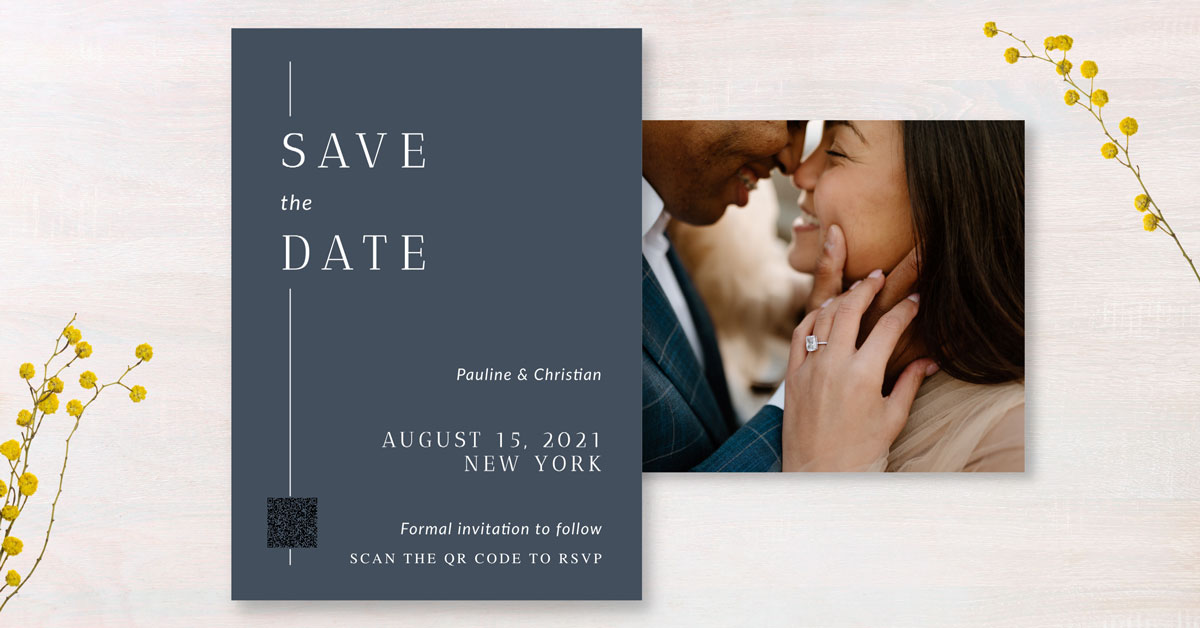
Make Your QR Code for Free
Search "free QR code generator" and you'll find plenty of options. Canva is a favorite because it's free and lets you add the code right onto your invitation design.
- Copy the link to your RSVP form, registry, or wedding website
- Paste it into a free QR code generator like Canva's
- Download your code as a PNG file
- Add it to your design in Canva or Photoshop, or save it to your Persnickety Prints account and place it on any card design
- Scan it with your own phone before you print, every time
Make It Blend Beautifully
A QR code doesn't have to look techy. A few small choices make it feel like part of your stationery.
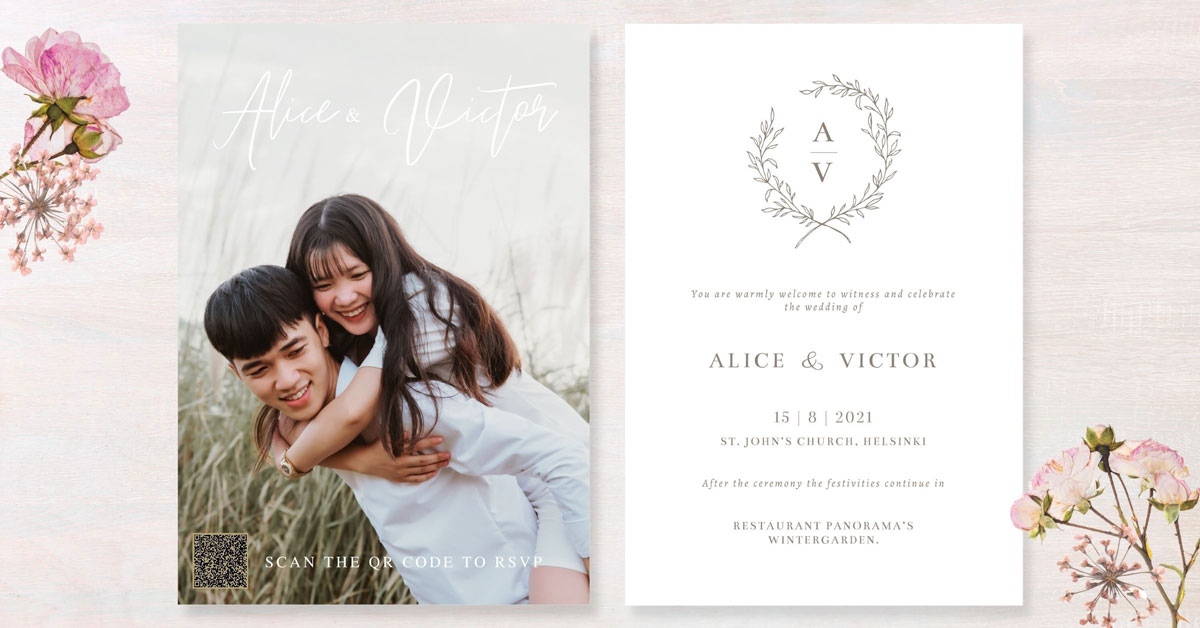
Keep it off the front
Place the code on the back of your invitation or on a separate insert card, so your main design stays the star.
Shop insert cards →
Size it right
Most phones scan small codes easily. Aim for about ¾ inch square or larger with plenty of white space around it.
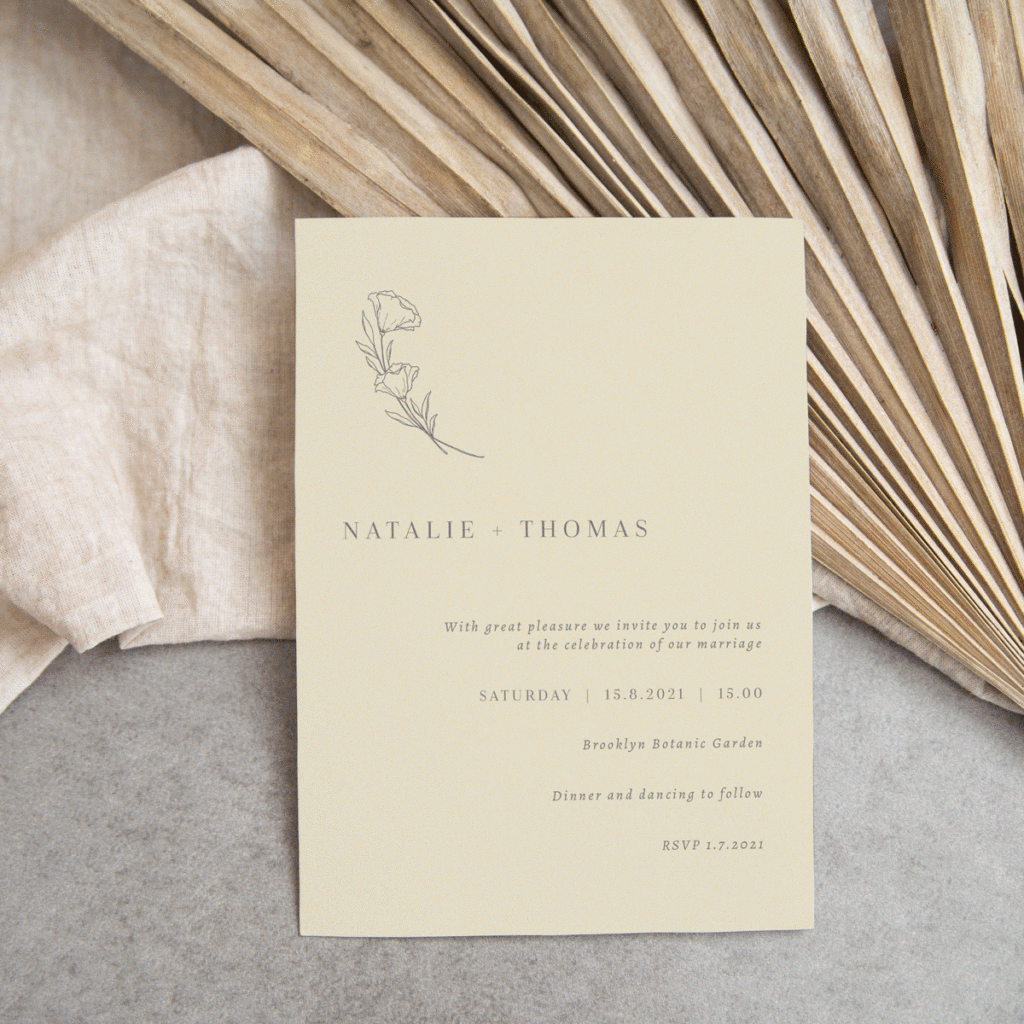
Frame it with design
Add a simple border, a sweet "scan to RSVP" line, or a touch of your wedding colors so it feels intentional.
See wedding designs →Planning Something Beautiful?
The Ultimate Wedding Checklist
A free, printable checklist to keep every detail on track from "yes" to "I do."
Download the checklist →Save the Dates
Let everyone know to mark the calendar with a photo card starring the two of you.
Browse save the dates →Display Photos at Your Wedding
Ideas for sharing your love story with photos throughout your big day.
Get display ideas →Wedding QR Code FAQ
Where should a QR code go on a wedding invitation?
The back of the invitation or a separate insert card works best. That keeps your main design clean while still giving guests an easy way to RSVP or find your registry.
How big should a wedding QR code be?
About ¾ inch square or larger is a good rule of thumb, with some white space around it. Always test-scan a printed proof with your phone before ordering.
How do I make a QR code for free?
Copy the link you want to share, paste it into a free QR code generator such as Canva's, and download the code as a PNG. Then add it to your invitation design.
Can I add a QR code to a Persnickety Prints invitation?
Yes! Save your QR code as a PNG, add it to your Persnickety Prints account, and place it right on the invitation or insert card design you choose.